

Install the chat
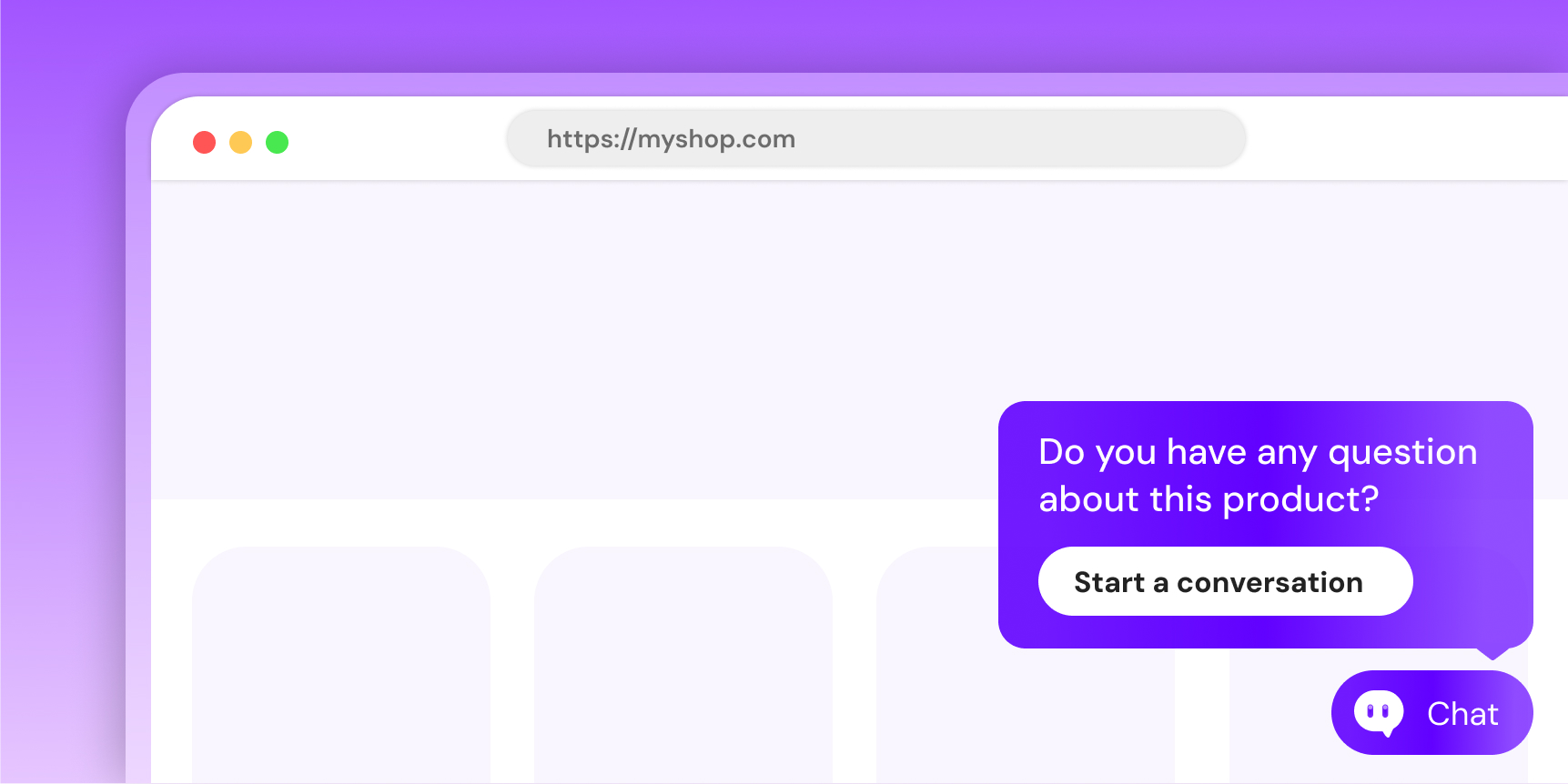
Two lines of code on every page where the chat should be available.
Shopify store?
You don't need this page. Install the Humind app from the Shopify App Store and the widget is injected on every storefront page automatically, already wired with your domain.
1. Allow your domain
Required before the chat loads
Humind only renders on domains you've explicitly allowed. Open the URL whitelist page in your dashboard and add every domain where you'll embed the widget: production, staging, preview branches, custom dev environments. A domain that isn't in the list won't load the chat.
2. Paste the snippet
On every page where you want the chat:
<script src="https://embed.thehumind.com/loader.js" defer></script>

<humind-widget
  shop-domain="your-shop.com"
  template-name="index"
></humind-widget>
The <script> goes at the end of <body>. The element positions itself as a fixed overlay; place it anywhere in the DOM.
shop-domain: replace with the canonical domain for this environment (no protocol, no trailing slash). Must be in your URL whitelist.template-name: the kind of page this is. Pick the value that matches (next step).
3. Pick the right template-name per page
template-name tells the AI what the visitor is looking at. It's what lets the assistant surface the right topics, entry points, and proactive messages.
Most sites only need four values:
| Value | When |
|---|---|
index | Homepage |
product | Product detail page |
collection | Collection / category listing |
cart | Cart |
If the page doesn't fit any of those, see the full list in the reference.
WARNING
Passing a value that isn't in the list makes the widget refuse to load. Always pick from the list, never a free-form string.
template-name="product" hides the floating button
On product pages the floating chat button is suppressed by design. The "Add to cart" CTA is usually pinned to the bottom of the screen on mobile and the floating chat button used to land on top of it. We expect visitors to enter the conversation through the inline <humind-product-questions> widget on the product page itself. Keep template-name="product" on those pages, as context still flows to the assistant, and pair it with the product questions block.
On product pages, also pass product-id
template-name="product" tells the assistant the visitor is on a product page, but not which product. Add product-id so the chat knows exactly what the visitor is looking at:
<humind-widget
  shop-domain="your-shop.com"
  template-name="product"
  product-id="gid://shopify/Product/12345"
></humind-widget>
With it, the chat shows a product context bar at the top of the conversation and the AI grounds its answers on that specific product. Every message the visitor sends carries the product context. Accepted values: a Shopify GID (gid://shopify/Product/12345) or your internal product ID, resolved server-side. On non-product pages, omit the attribute.
On a non-Shopify storefront (custom stack, PrestaShop, Magento, a catalog pushed through the catalog API or a feed integration), also pass integration="custom". It tells the server to resolve product-id against the external product IDs stored for your catalog. Without it, the server expects a Humind internal ID and your reference never matches: the chat still opens, but without the product context and without the product questions.
<humind-widget
  company-id="YOUR_COMPANY_ID"
  template-name="product"
  product-id="13480010990R00"
  integration="custom"
></humind-widget>
Use the same product reference you pushed to Humind (the id of the product in the catalog API, or the product ID of your feed). Shopify themes need none of this: the Shopify app sets integration and resolves GIDs on its own.
4. Verify
Open DevTools → Network tab. You should see:
GET https://embed.thehumind.com/loader.js→ 200- A few more chunked JS requests
- No console errors
document.querySelector('humind-widget') should return the element, and a floating chat button should appear in the bottom-right of the page.
Reference
All attributes
| Attribute | Required | Default | Purpose |
|---|---|---|---|
shop-domain | ✅ | - | Your canonical shop domain for this environment (no protocol). Must be whitelisted. Omit only if you pass company-id instead. |
template-name | ✅ | - | Current page template. See values. |
language | Browser language | BCP-47 tag (en, fr, de, es, it, nl, pt, ru, ar, he, zh). Only override to force a locale independent of the visitor's browser. | |
country-code | - | ISO 3166-1 alpha-2, e.g. FR. Used for regional context (pricing, shipping). | |
cookie-consent | - | Visitor's cookie consent status. See values. | |
company-id | - | Alternative to shop-domain for setups with no public domain. See below. | |
product-id | - | On product pages only: the product being viewed. Shopify GID (gid://shopify/Product/12345) or your internal product ID. Shows a product context bar in the chat and grounds the AI's answers on that product. See above. | |
integration | - | Storefront platform. Set automatically by the Shopify app. On any non-Shopify storefront, pass custom so product-id is resolved against the external IDs you pushed for your products; without it a non-Shopify product-id never matches and the chat shows no product questions. See above. | |
market-key | - | Multimarket setups only: names the market when several markets share the same domain (required there, ignored on single-market domains). Set automatically on Shopify. See below. |
template-name values
Use the string exactly as written (case-sensitive, hyphens / underscores / slashes preserved).
| Value | Page |
|---|---|
index | Homepage |
product | Product detail page (PDP) |
collection | Collection / category listing |
list-collections | Index of all collections |
search | Search results |
cart | Cart |
page | CMS / static page |
blog | Blog index |
article | Blog post / article |
gift_card | Gift card purchase page |
password | Password-protected storefront splash |
404 | Not-found page |
metaobject | Shopify metaobject page |
robots.txt | robots.txt route (edge case) |
customers/account | Customer account dashboard |
customers/login | Customer login |
customers/register | Customer signup |
customers/order | Order detail |
customers/addresses | Address book |
customers/reset_password | Password reset |
customers/activate_account | Account activation |
If none of these fit (a checkout flow, a contact page, a bespoke route), talk to your integration lead before picking a value.
cookie-consent values
By default, Humind shows no consent UI and PostHog analytics is active. The merchant can require consent in the dashboard or forward the choice from its own CMP. Strictly functional widget storage remains in use independently of analytics. See the tracker and browser storage inventory for all keys, purposes, and durations.
To offer optional analytics, turn on Require cookie consent in the dashboard at Chat survey settings. The widget then presents the choice on the first message. Acceptance enables PostHog. Refusal keeps PostHog disabled and closes the widget.
The cookie-consent attribute is optional. Use it to forward the status from your own CMP, such as OneTrust, Didomi, Cookiebot, or Axeptio. Explicit values sent by the CMP take priority over an older local decision.
| Value | What it does |
|---|---|
accepted | The visitor accepted. The widget skips the inline choice, stores acceptance without automatic expiry, and enables PostHog. |
rejected | The visitor refused. The widget deletes any previous acceptance, does not store the refusal, keeps PostHog disabled, and closes the chat. |
pending | The CMP has not received an answer yet. If there is no stored Humind acceptance, the widget presents its inline choice on the first message. |
Update the attribute dynamically when the visitor changes their choice. A rejected value deletes stored acceptance and blocks new events. PostHog uses no browser storage.
Omit the attribute to use the dashboard setting. If Require cookie consent is not enabled, no choice is displayed and analytics remains active.
No public domain? Use company-id
For dashboard playground sessions, headless backends, or staging environments without a registered domain, pass company-id instead of shop-domain:
<humind-widget
  company-id="YOUR_COMPANY_ID"
  template-name="index"
  integration="playground"
></humind-widget>
Grab YOUR_COMPANY_ID from the Developer Credentials page in your dashboard. The YOUR_COMPANY_ID text is clickable in the snippet above.
Several markets on one domain
If you sell to several markets from the same domain (for example your-shop.com serving both France and Belgium), each market is a separate Humind workspace with its own catalog, prices, and configuration. Markets are managed in your dashboard on the Markets page.
On a domain shared by several markets, the snippet must name its market with the market-key attribute. Humind never guesses: without it, the widget does not load and logs an explicit error in the browser console listing the accepted keys.
<humind-widget
  shop-domain="your-shop.com"
  template-name="index"
  market-key="be"
></humind-widget>
The value is the market key shown on the Markets page (lowercase letters, digits, hyphens, underscores). On a shared domain, a market-key that doesn't exist makes the widget refuse to load, so always copy it from the dashboard. A domain that serves a single market ignores the attribute, so you can keep the same snippet everywhere.
Shopify store?
Nothing to do. The Shopify app embed sends the visitor's Shopify market automatically (localization.market.handle), and Humind matches it to the corresponding workspace: markets activated from the Markets page each get their own catalog and prices, and Shopify markets you have not activated in Humind are served by your primary store. Renaming a market on Shopify is picked up the next time you open the Markets page.
Theming
The widget's colors, the add-to-cart button style, and the assistant's visual identity are configured per company in the dashboard on the Chat interface page. Changes propagate to every embedded widget on reload.
The widget ships with DM Sans as its default font (loaded inside the Shadow DOM) and does not inherit typography from the host site. Reach out to support if you need a custom font.
Next
- Trigger the chat from your own UI: wire a CTA button, product card, or any element to open the chat.
- Troubleshooting: widget not rendering, CSP issues, event wiring.
- FAQ: common questions when embedding Humind.