

Introduction
Humind is an AI assistant you install on your e-commerce site to help shoppers find the right products and get real-time answers. Concretely: a conversational chat (the main component) plus three optional blocks for your product, collection, and home pages, all powered by your synced catalog.
Onboarding
Before following any of the guides below, you need access to the Humind merchant dashboard. That's where you configure the assistant and grab your merchant ID.
- Shopify merchants: self-serve. Install the Humind app from the Shopify App Store and the onboarding wizard creates your account and syncs your catalog automatically.
- Everyone else (custom storefronts, WooCommerce, Magento, headless, etc.): onboarding is handled by our team. Get in touch and we'll provision your account and walk you through the setup.
What you can embed
Chat: <humind-widget> (required)
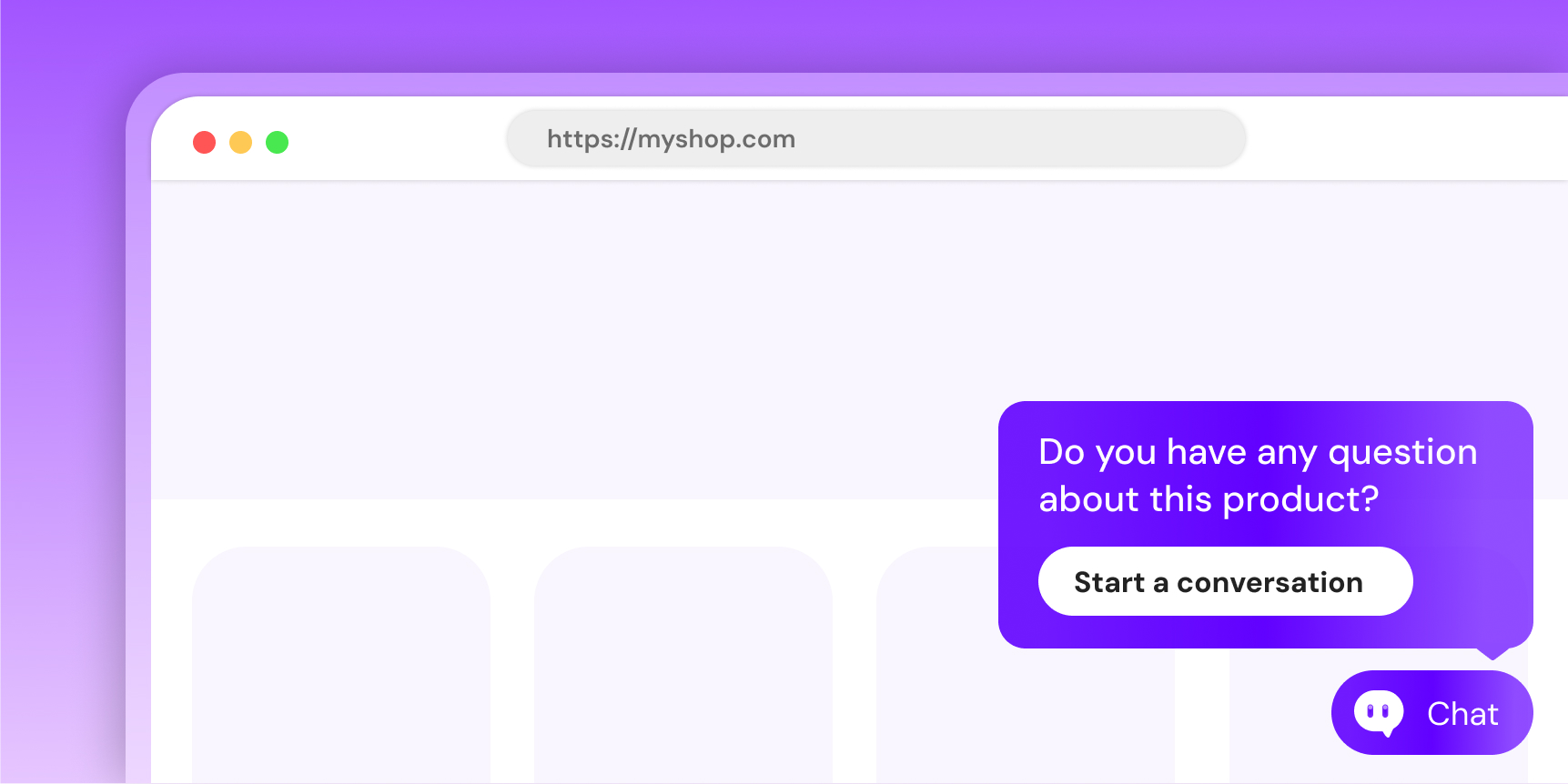
The only component that's actually required. It loads the Humind conversational assistant inside your site. Out of the box, it surfaces a floating entry point in the bottom-right corner: a button plus proactive messages like "Do you have any questions about this product?" That entry point is just one way to open the conversation. You can hide it and trigger the chat from your own UI (a CTA button, a nav link, a product card) via the humind-open-chat event.
Product questions: <humind-product-questions> (optional)
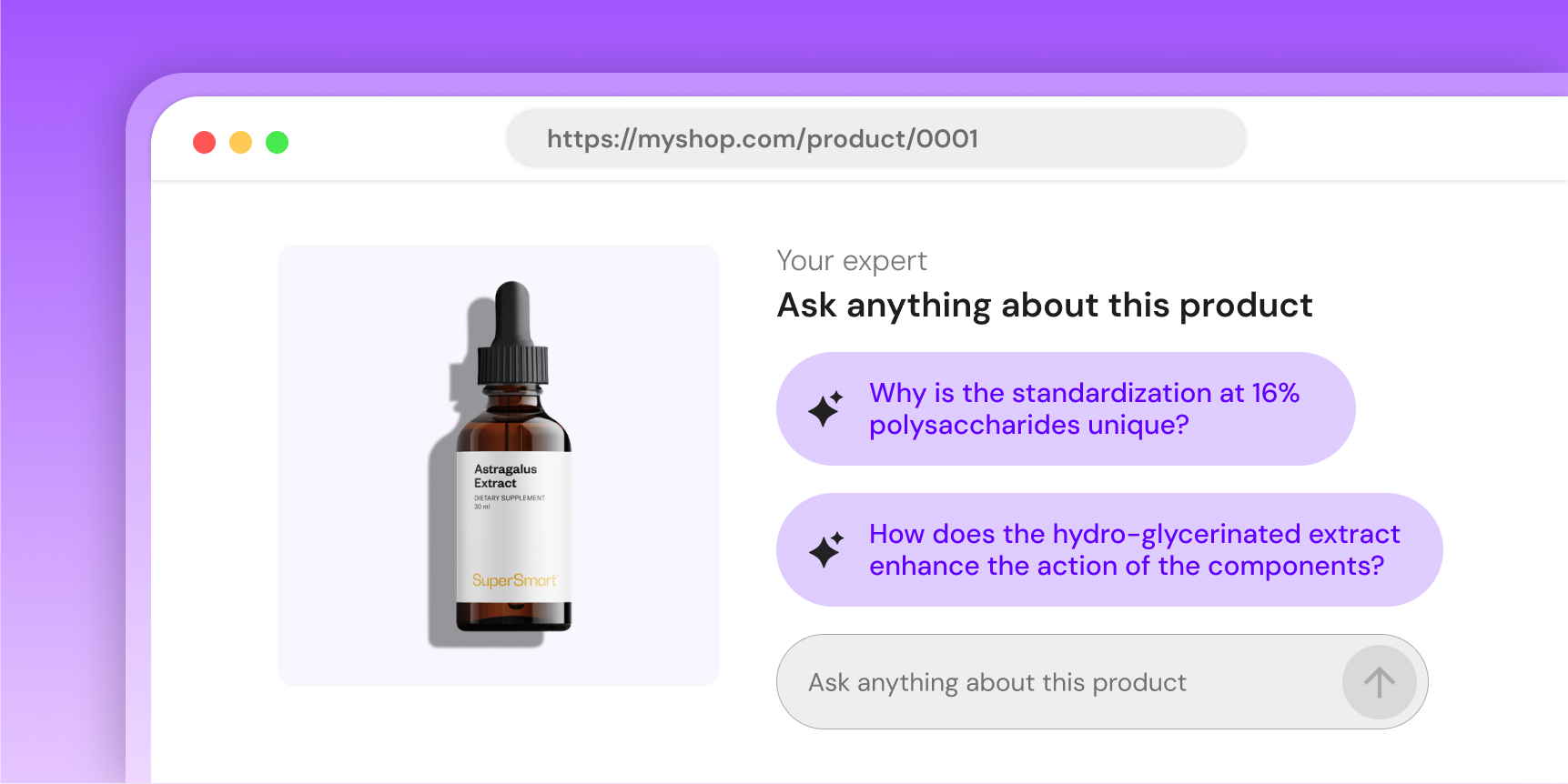
An in-page block for product detail pages. Surfaces AI-generated context-aware questions ("Is this machine washable?", "Which size should I pick?") so shoppers get answers without leaving the page.
Gift finder: <humind-gift-finder> (optional)
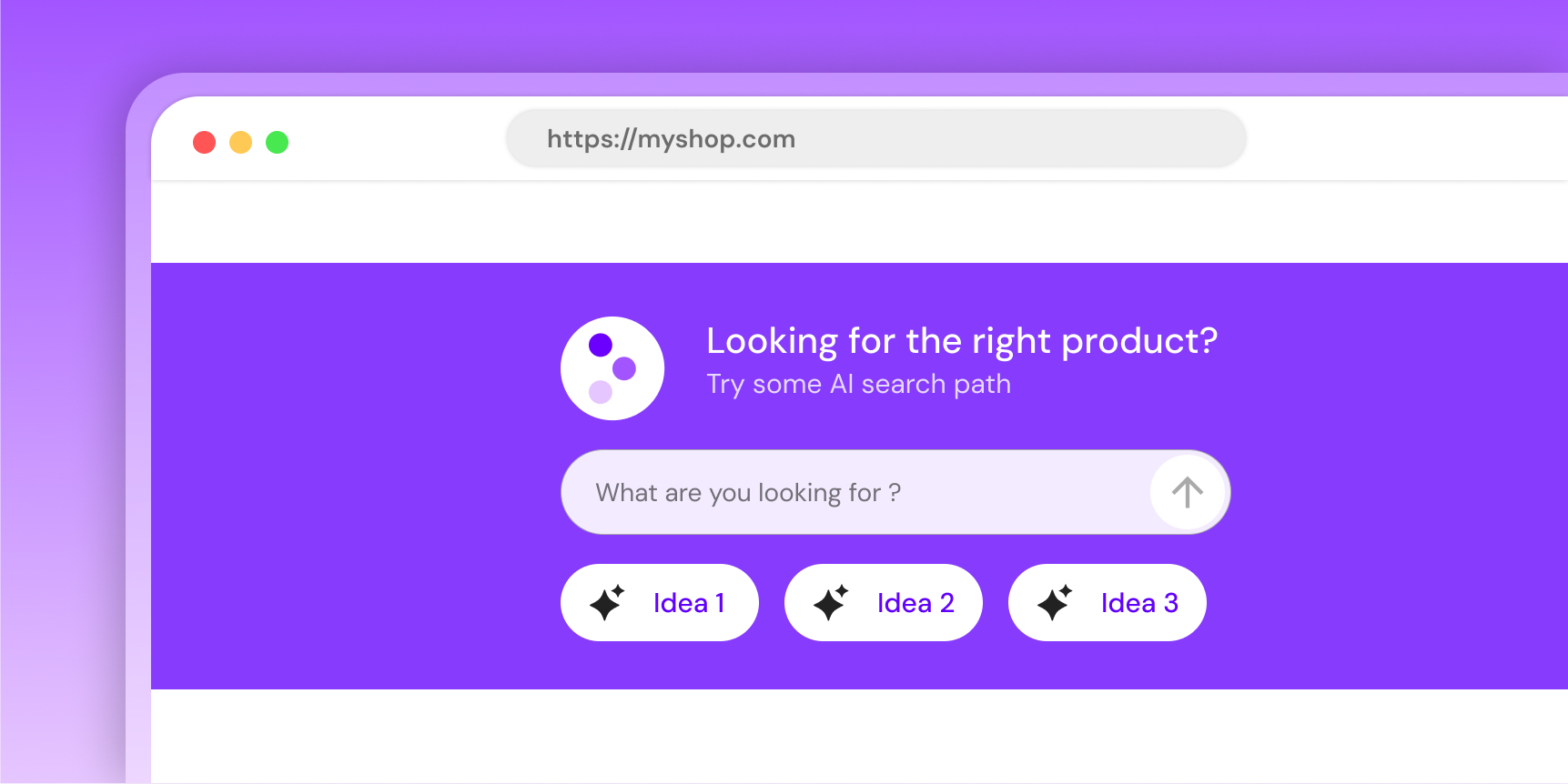
An "ask anything" search block you drop on your homepage, collection pages, or 404 pages. Turns free-text queries into product recommendations.
Collection quiz: <humind-quiz> (optional)
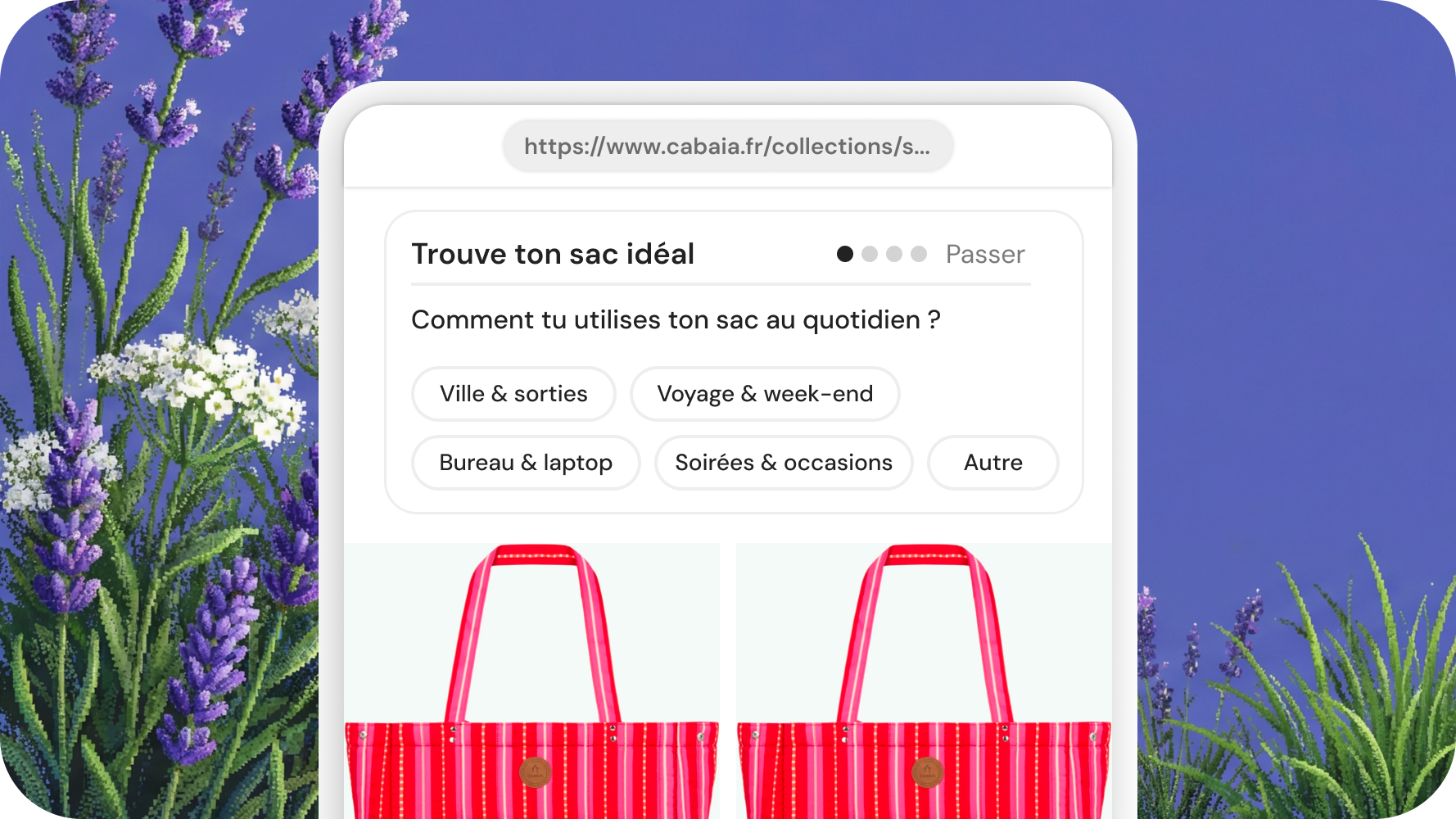
A guided quiz that narrows a collection down to the right product. Great for categories with lots of SKUs (bags, supplements, skincare) where visitors don't know where to start.
Catalog
Humind can only recommend products that are in its catalog. How syncing works depends on your platform:
- Shopify merchants: nothing to do. The Humind app syncs your products via webhooks and keeps the sync up to date automatically.
- Everyone else: sync your products with the Humind API. See Custom catalog integration.
Without a synced catalog, the chat still works (general questions, return policy, sizing guides) but can't recommend specific products.
Install
- Install the chat: two lines of HTML.
- Add one or more blocks:
- Verify your catalog is synced.